Your brand’s share of shelf in every store, from one photo
Every shelf photo your merchandisers take becomes your brand’s share on this board within the minute.
100 shelf photos a month free, no card. Works in the browser today, the iPhone and Android apps are on the way.
- For FMCG suppliers
- iPhone, Android, browser
- 18 languages
- 09:21Ashcombe, Brixton Hill 1711 %below
- 09:19Larkwell, Station Rd 427 %on norm
- 09:17Thornfield, Old Kent Rd 10419 %close
- 09:16Penrose, Camden Rd 2224 %on norm
- 09:14Hatherley, High St 1216 %below

The merchandiser sees what to fix. The manager sees where it was fixed.
live scanThe merchandiser photographs the shelf, Facing counts your brand’s share and compares it with the chain’s norm. The same number reaches the manager’s office in the same minute.
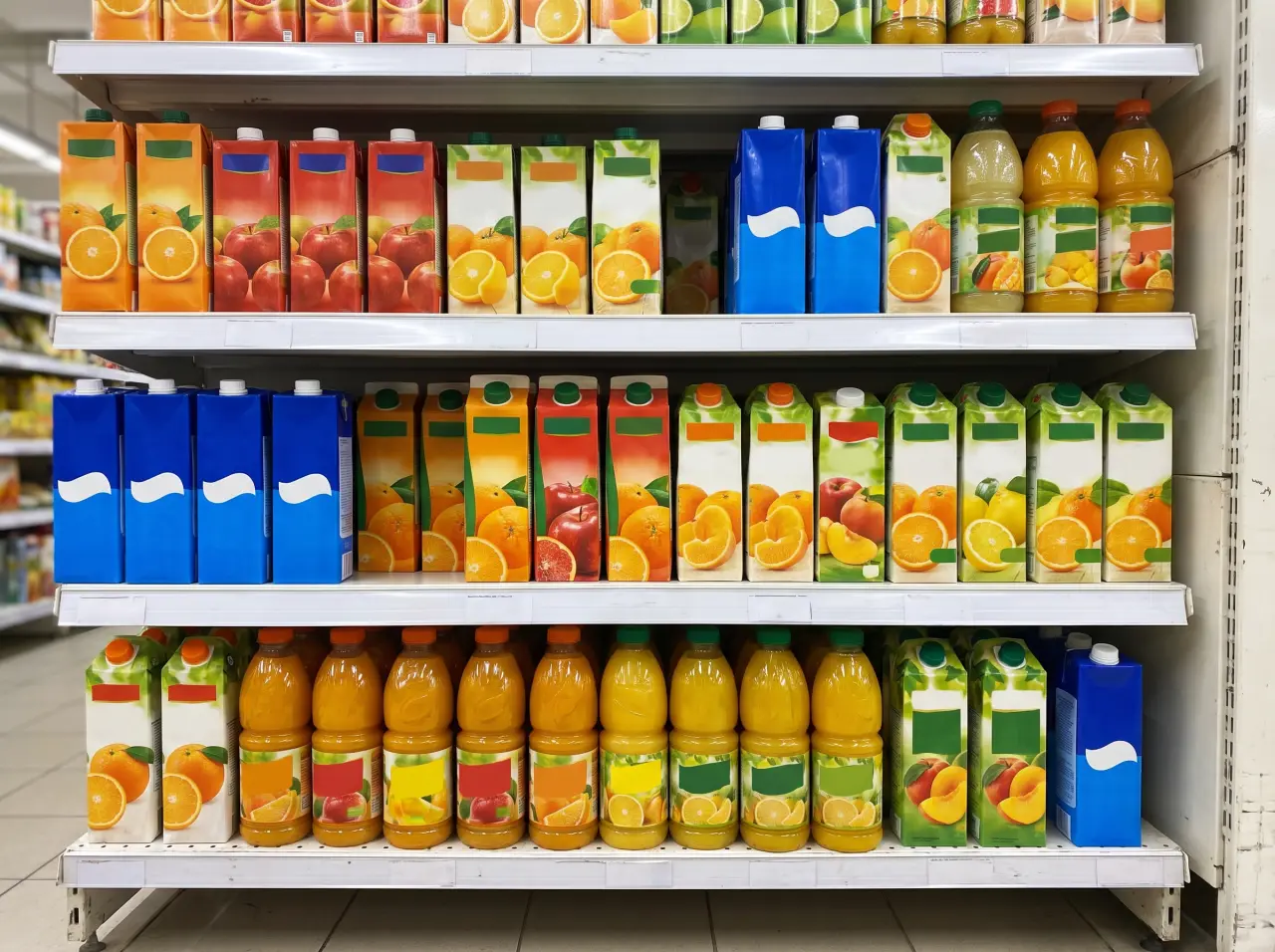 1234567+1+145 facings recognised
- 1 photoper shelf, no counting facings by hand
- 0 tapsto start a visit: it opens by itself at the door
- 3 %off the recommended price, and the merchandiser sees the tag
- 7 daysphotos are kept. Numbers are kept for good
One visit, from the door to the door
how it works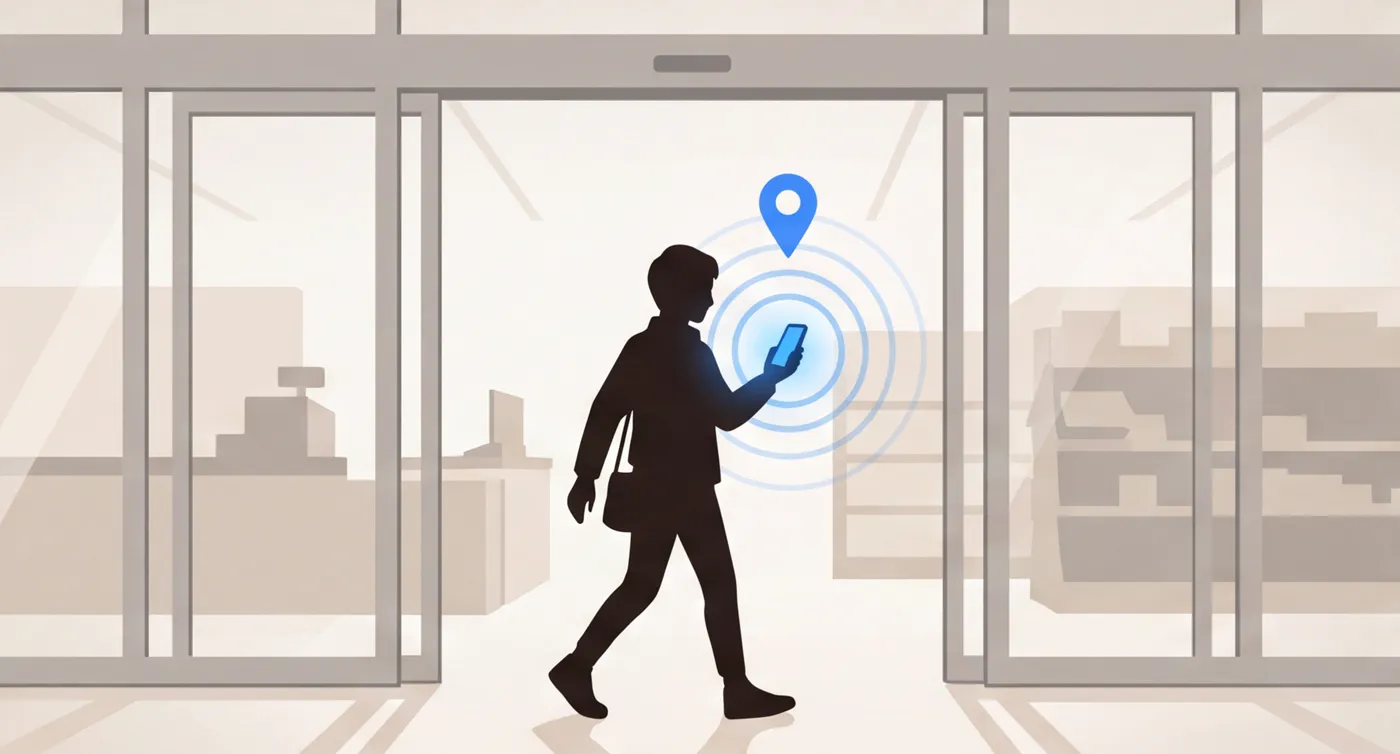 09:12 · visit openWalks into the storeThe visit opens by itself by geolocation and closes at the exit. Late arrivals and missed visits show in the office.
 Share 28 % · norm 35 %Photographs the shelfOne photo: Facing finds the facings of your brand and of the competitors and counts the share against the chain’s norm.
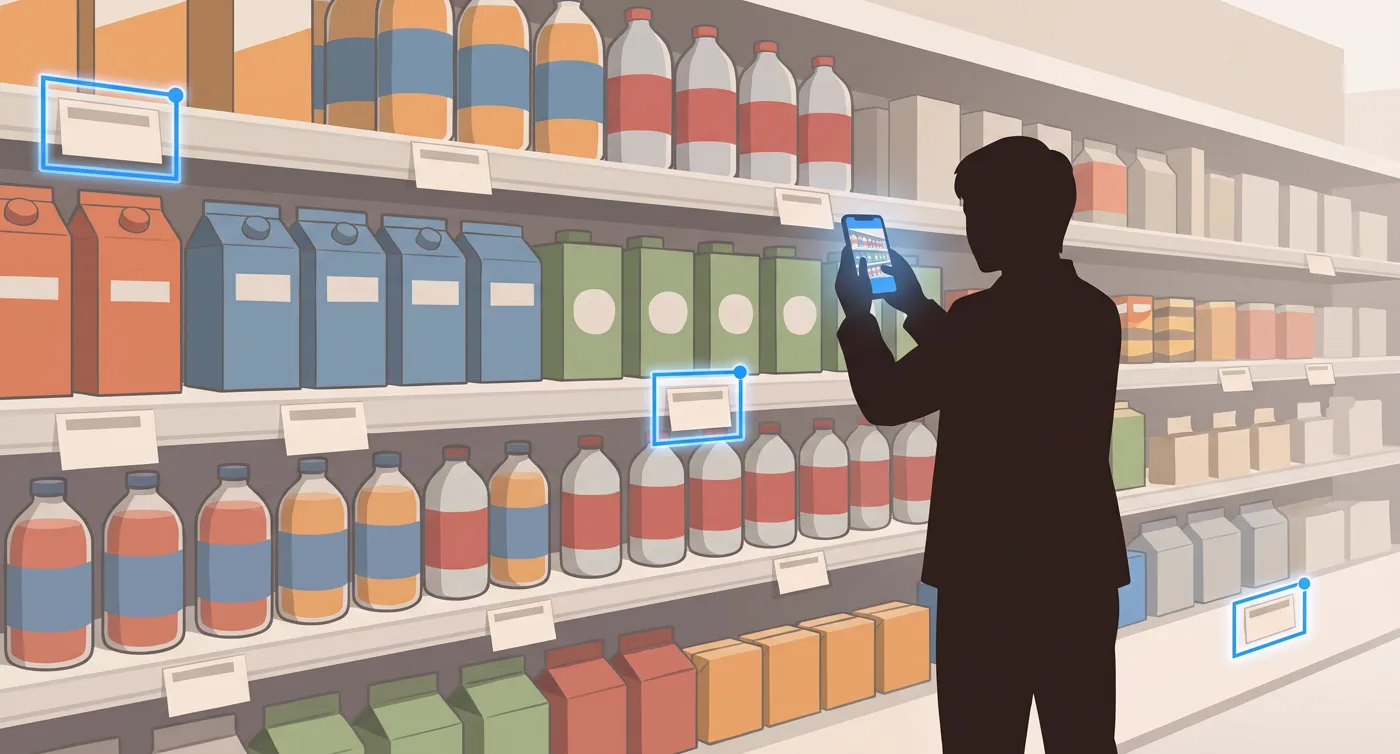 3 price tags do not matchChecks the price tagsThe shelf price against the recommended price and the chain’s promo plan, right at the shelf.
 2 facings short of the normThe manager sees it in the officeThe share in every store, how many facings are missing to the norm, and the tags that are off. The same minute.
How share of shelf is counted
share of shelfShare of shelf = your facings ÷ all facings on the shelf × 100 %
A facing is one pack in the front row, the one a shopper sees. Packs stacked on top of it or standing behind it count as one facing, the same way the app counts them.
Facing finds your facings and every competitor’s in the photo and divides yours by all of them. The result is compared with the chain’s norm for that category.
Example: 7 of 45 facings are yours. 7 ÷ 45 × 100 % = 16 %, and the norm is 20 %, so the merchandiser gets a task to add 2 facings.
Questions
How accurate is the count?
Every number comes with the photo it was read from, so the office can check it. When the app is unsure, it says so and asks for another photo. The merchandiser can also count by hand or mark a reading as wrong, and it stays out of the reports until the office looks at it.
Does it work without signal?
Yes, after the first sign-in. Visits and photos wait on the phone and go out by themselves when the signal is back. The share for those photos arrives then.
What does the merchandiser need?
Only a phone. The app works on iPhone, Android and in a browser. Nothing is installed in the store.
Who sets the norm?
The office sets it once for each chain and category, as a percent or as a number of facings. Merchandisers get it in the app by themselves.
The same numbers at the shelf and in the office
merchandiser and managerEverything needed at the shelf
- The share right after the photo. And how many facings are missing to the norm.
- Price tag check. The shelf price against the recommended price and the chain’s promo plan.
- Works without signal too. Measurements go out when the phone is back online.
The whole chain on one screen
- Where it is below the norm today. By store, chain and brand, with an Excel export.
- Team attendance. Who was where, for how long, which visits were missed.
- Norms and the promo plan. Set once, and the merchandiser gets them in the app by itself.
The promo is on, the shelf still has the old price
price tagsThe merchandiser photographs the price tags, Facing checks them against the recommended price and the chain’s promo plan.
The price is on the page, not on request
pricingYou pay for the merchandisers who worked this month. The manager office and every check are already in the price.
€55 per active merchandiser a month, billed yearly
€65 a month if you pay month to month
An active merchandiser is one with at least one visit in the month. You pay only for those who worked.
Try it free- Merchandiser app. For iPhone, Android and the web.
- Manager office. Office seats are free, as many as you need.
- Tasks and checks. Promo and price tag checks, paid placements.
- Up to 1,000 shelf recognitions. Per merchandiser, every month.
- No minimum, no lock-in. No minimum number of seats, no annual contract required.
- Extra recognitions€0.06 per photo
Over 1,000 recognitions per merchandiser in a month.
- Integrationsfrom €1,500 + €120 a month
The setup is paid once, the monthly fee per connection. A link to 1C, SAP or a chain’s supplier portal: stock in stores, shipments, promo calendars. We set it up, it only reads, and each company’s data is kept apart.
- For agencies25 % off
From 20 active merchandisers, and your client brands get their offices at no extra cost.
A pilot shaped around your team
pilotWe are taking the first suppliers into a pilot and fitting Facing to each of them. Tell us what is missing and we will build it.
- We add what you need. A report, a field or a check the app does not have yet. Write it in the request.
- We set up your chains and norms. Send your stores, brands and shelf norms in any spreadsheet, and we load them.
- Exports in your format. Excel reports laid out the way your sales team already reads them.